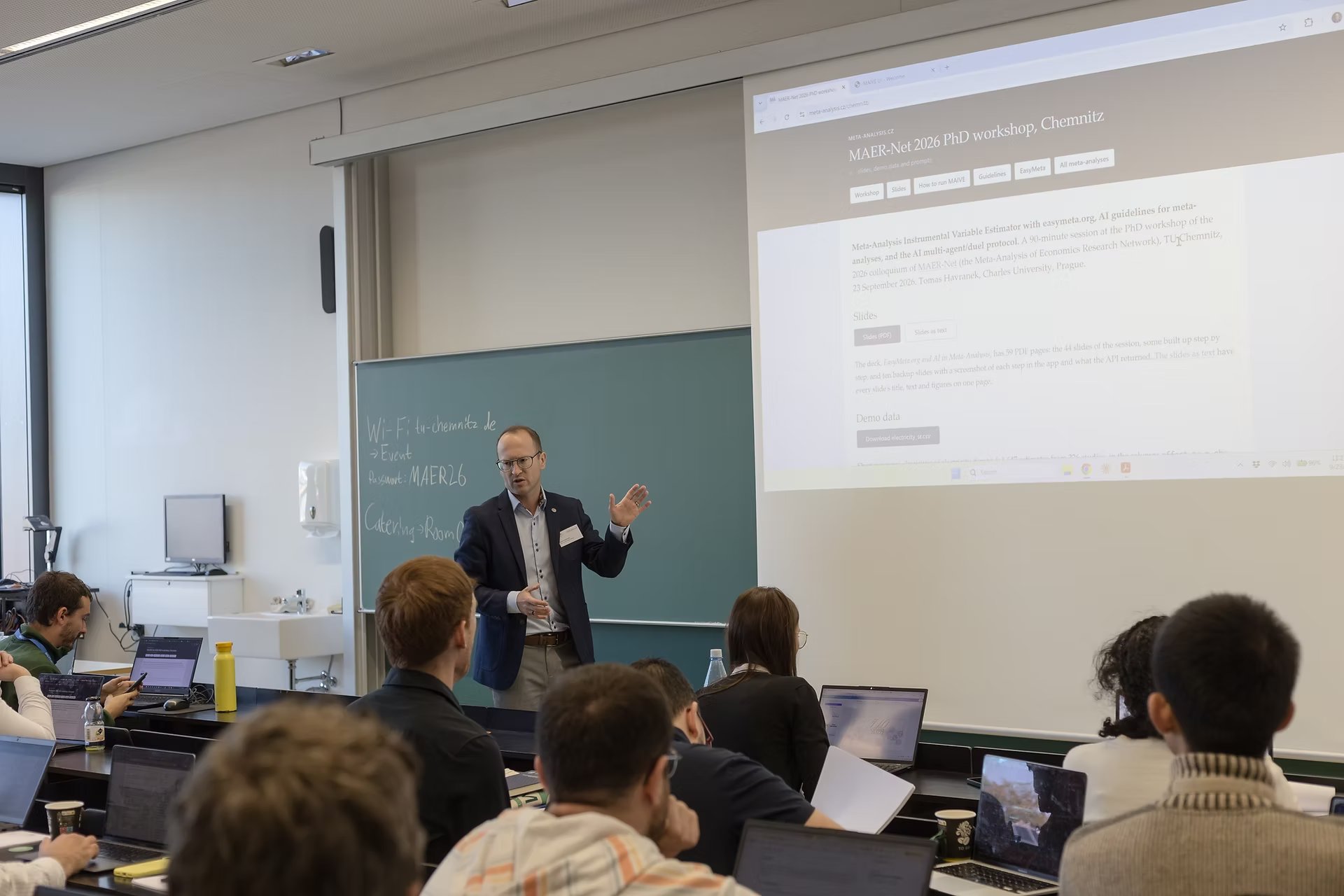
Meta-Analysis Instrumental Variable Estimator with easymeta.org, AI guidelines for meta-analyses, and the AI multi-agent/duel protocol. A 90-minute session at the PhD workshop of the 2026 colloquium of MAER-Net (the Meta-Analysis of Economics Research Network), TU Chemnitz, 23 September 2026. Tomas Havranek, Charles University, Prague.
Slides
The deck, EasyMeta.org and AI in Meta-Analysis, has 59 PDF pages: the 44 slides of the session, some built up step by step, and ten backup slides with a screenshot of each step in the app and what the API returned. The slides as text have every slide's title, text and figures on one page.
Demo data
Short-run price elasticities of electricity demand: 1,647 estimates from 226 studies, in
the columns effect, se, n_obs and study_id.
From Kudela, Havranek, Irsova, Kudelova and Sikl (2026).
Upload it at easymeta.org and choose WLS; the method is already PET-PEESE. Advanced Options opens by itself (clicking its title closes it): drag Winsorization to 2.5% and run. You should get -0.127. For EK, press the browser Back button, set Method to EK and run again: -0.105. Do not reload the model page (F5): it drops the data.
For MAIVE, start again at easymeta.org and upload the file again: the browser Back button keeps the old settings. Choose MAIVE and open Advanced Options (on a fresh MAIVE form it starts closed), set the log first stage to Yes and winsorization to 2.5%. Before you run, MAIVE Method should read PET-PEESE and Weighting Equal Weights; if not, set them. You should get -0.243, with a first-stage F of 25.
WAIVE and RDT (both experimental) are in the same Model Type list.
Run it from an AI assistant
This part is optional: it runs on the screen during the workshop. The prompts need an assistant that can run code with internet access, for example Claude Code or Codex. Start the assistant in the folder where you saved electricity_sr.csv.
1. PET-PEESE and the endogenous kink · 01_petpeese_ek.txt
Use the EasyMeta API, not your own estimation. Data: electricity_sr.csv in this folder
(columns effect, se, n_obs, study_id). Send every row unchanged to
POST https://api.maive.eu/v1/run-model with curl or Python requests (not urllib), twice:
{"recipe":"PET-PEESE","parameters":{"winsorize":2.5},"data":[...]} and the same with "recipe":"EK".
For each run show the HTTP status, the number of rows sent, effectEstimate and standardError
exactly as returned, and resolvedParameters. If a call fails, show the error and stop.
Never report a number the API did not return.
"recipe" is the one setting that goes outside "parameters"; the API rejects anything else put there, with a message saying where it belongs.
2. MAIVE · 02_maive.txt
Use the EasyMeta API, not your own estimation. Data: electricity_sr.csv in this folder
(columns effect, se, n_obs, study_id). Send every row unchanged, with curl or Python requests
(not urllib), as POST https://api.maive.eu/v1/run-model with the JSON body
{"data":[{"effect":...,"se":...,"n_obs":...,"study_id":...}, ...], "parameters":{...}}
and these parameters, all nested inside "parameters" (the API rejects them anywhere else):
{"modelType":"MAIVE","maiveMethod":"PET-PEESE","weight":"equal_weights","useLogFirstStage":true,
"standardErrorTreatment":"clustered_cr2","includeStudyClustering":true,"computeAndersonRubin":false,
"winsorize":2.5}
Show the HTTP status, rows sent, effectEstimate, standardError, firstStageFStatistic and
hausmanTest exactly as returned, and confirm that resolvedParameters.modelType
is MAIVE and useLogFirstStage is true. If the call fails, show the error and stop.
Never report a number the API did not return.
For WAIVE (experimental), ask the assistant to repeat the call with "modelType":"WAIVE"; it gives -0.277. RDT is not in the API.
3. MAIVE in one line · 03_oneliner.txt
Run MAIVE on this dataset, following the protocol at https://meta-analysis.cz/maive/how-to/#aiThis one works on the small example on the MAIVE how-to page and on electricity_sr.csv. It gives a MAIVE estimate of -0.279 rather than prompt 2's -0.243, because the protocol sends the data without winsorizing.